Weekend project: connecting my Commodore 64 to a modern monitor
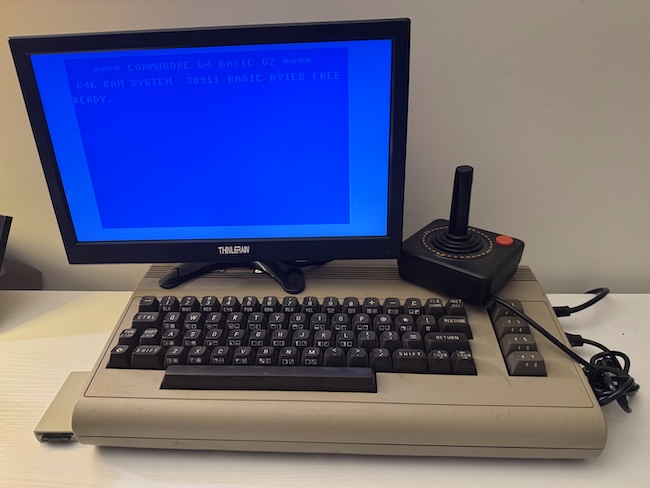
I have been meaning to do this for a while: I wanted to "retire" my Commodore 1702 13" CRT monitor, which works well but it is heavy and bulky, and replace it with a small 13" LCD. This required 3 elements:
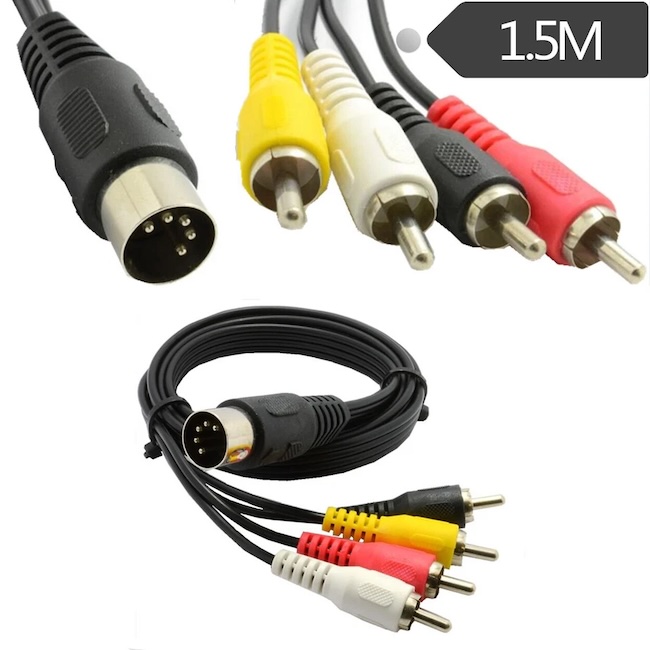
1) A DIN to RCA cable
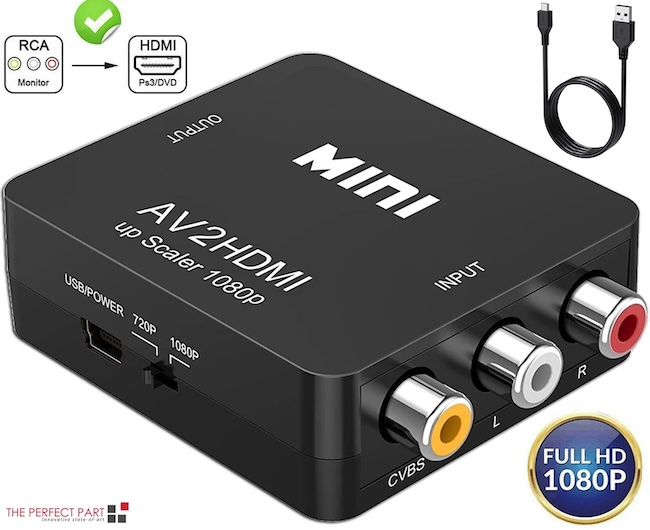
2) An RCA to HDMI active adapter
3) A small LCD screen. I ended up going with this 13" LCD display and it works very well, and, importantly, it has a built in speaker which comes in handy for the sound and music.
The process was simple: remove the 1702 and unplug it, plug the new DIN cable to my 1984 Commodore 64. Then plug the RCA side (only yellow and white cables) to the RCA to HDMI adapter, then power the adapter via a USB cable plugged into the small LCD (it has a USB port!), and finally plug the output of the HDMI adapter to the new LCD. All worked perfectly well.
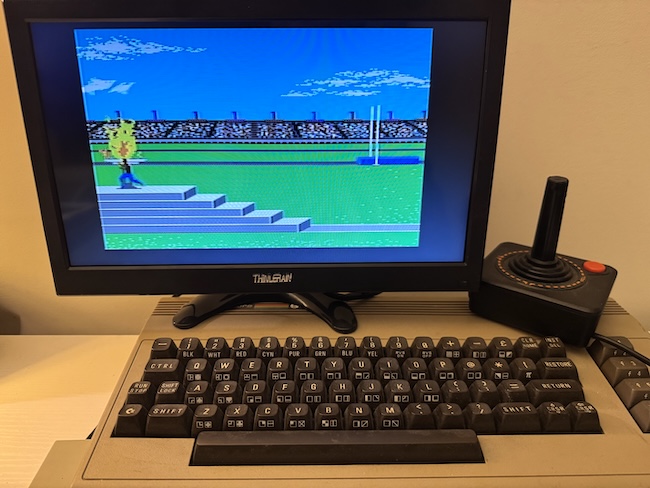
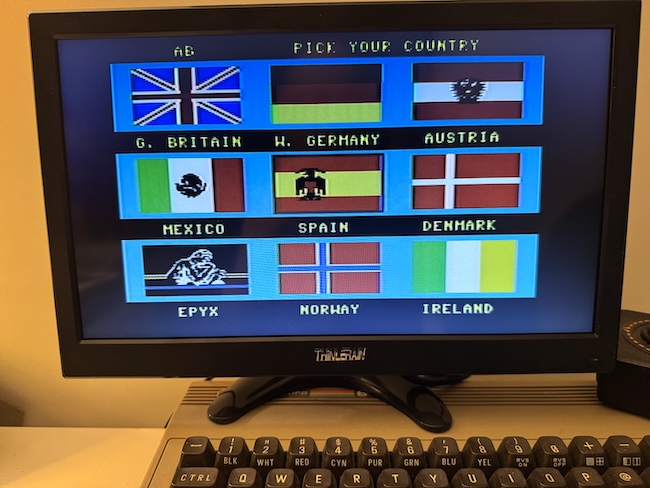
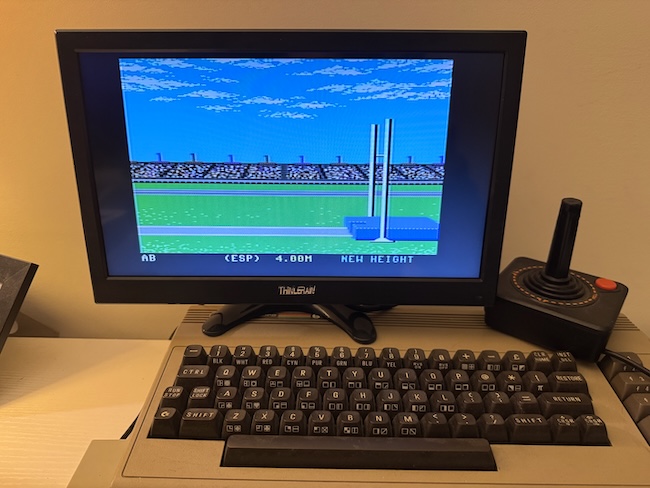
I flipped on the power, and my 42 year old Commodore 64 turned on without as much as complain. LOAD "*",8 and minutes later I was playing Epyx's mythic Summer Games on the new LCD, sound and everything. Fantastic. And I have a lot more space on the little table now.